Overcast is alpha — behaviour and APIs may change between releases. Pin your version and read the changelog before upgrading.

overcast

web console

See what your local AWS environment is doing.

The full Overcast image serves a management console on port 4567, next to the AWS API on 4566. It reads the same state your code does and updates as your app runs.

>_ full image, console included
docker run --rm \
  -p 4566:4566 \
  -p 4567:4567 \
  ghcr.io/overcast-sh/overcast:latest

Then open http://localhost:4567. Jump to running it for the slim image, the port flag, and what the native binaries ship.

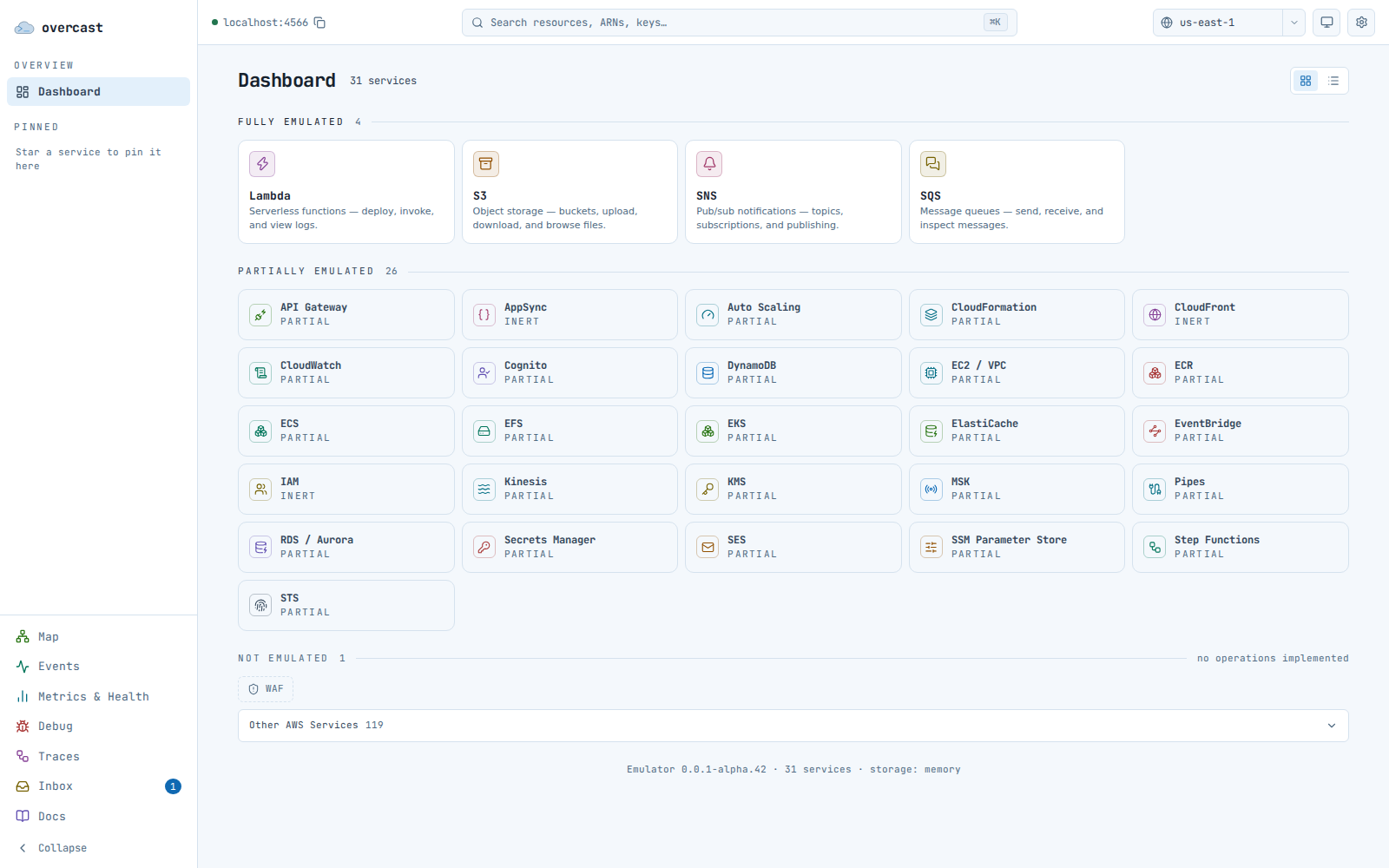
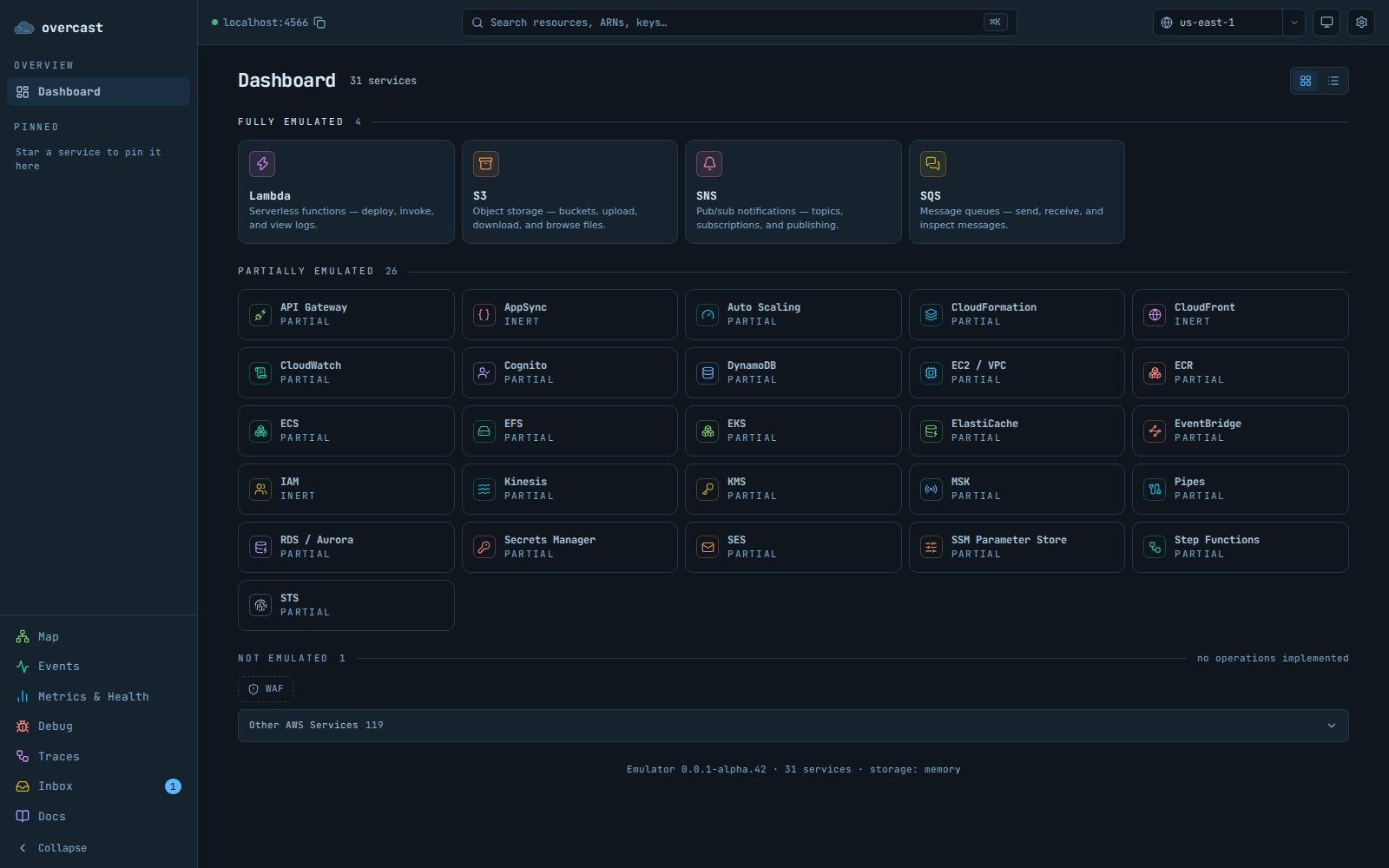
The Overcast console dashboard: emulated AWS services as cards, split into fully emulated, partially emulated, and not emulated. The Overcast console dashboard: emulated AWS services as cards, split into fully emulated, partially emulated, and not emulated.
The dashboard sorts every service by how completely Overcast emulates it.

what's in it

Six views, and when you would reach for each.

Inbox

Your Lambda sent a confirmation email. Read it instead of guessing whether it went out.

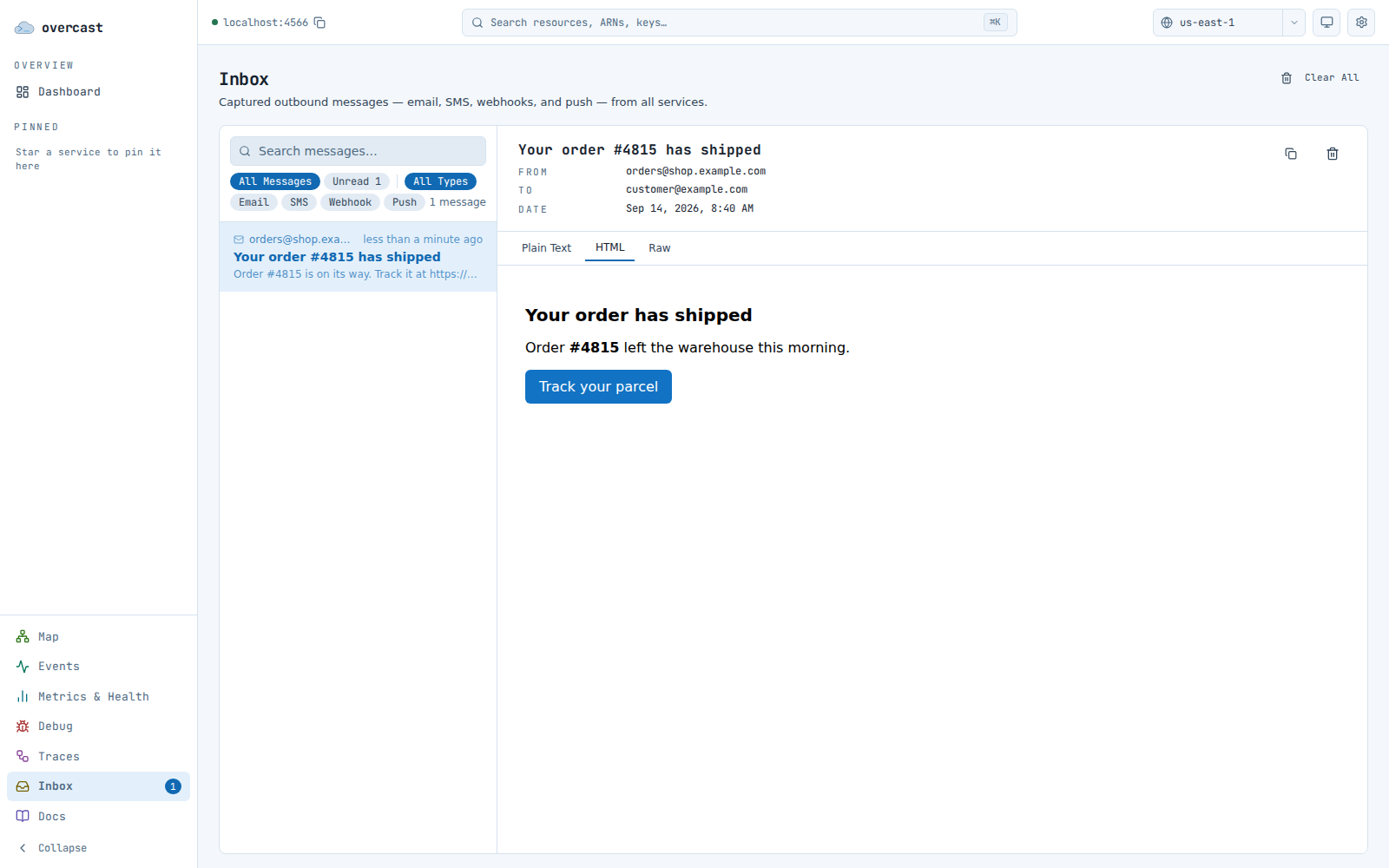
Overcast runs a mock SMTP server by default, so mail from SES, SNS email subscriptions, and Cognito lands at /inbox rather than anywhere real. SNS SMS and webhook deliveries land there too.

  • Plain text, rendered HTML, and the verbatim raw message, per message
  • One SNS publish that fans out to five subscribers is grouped as one thread
  • Messages arrive live, and the sidebar carries an unread count from any page
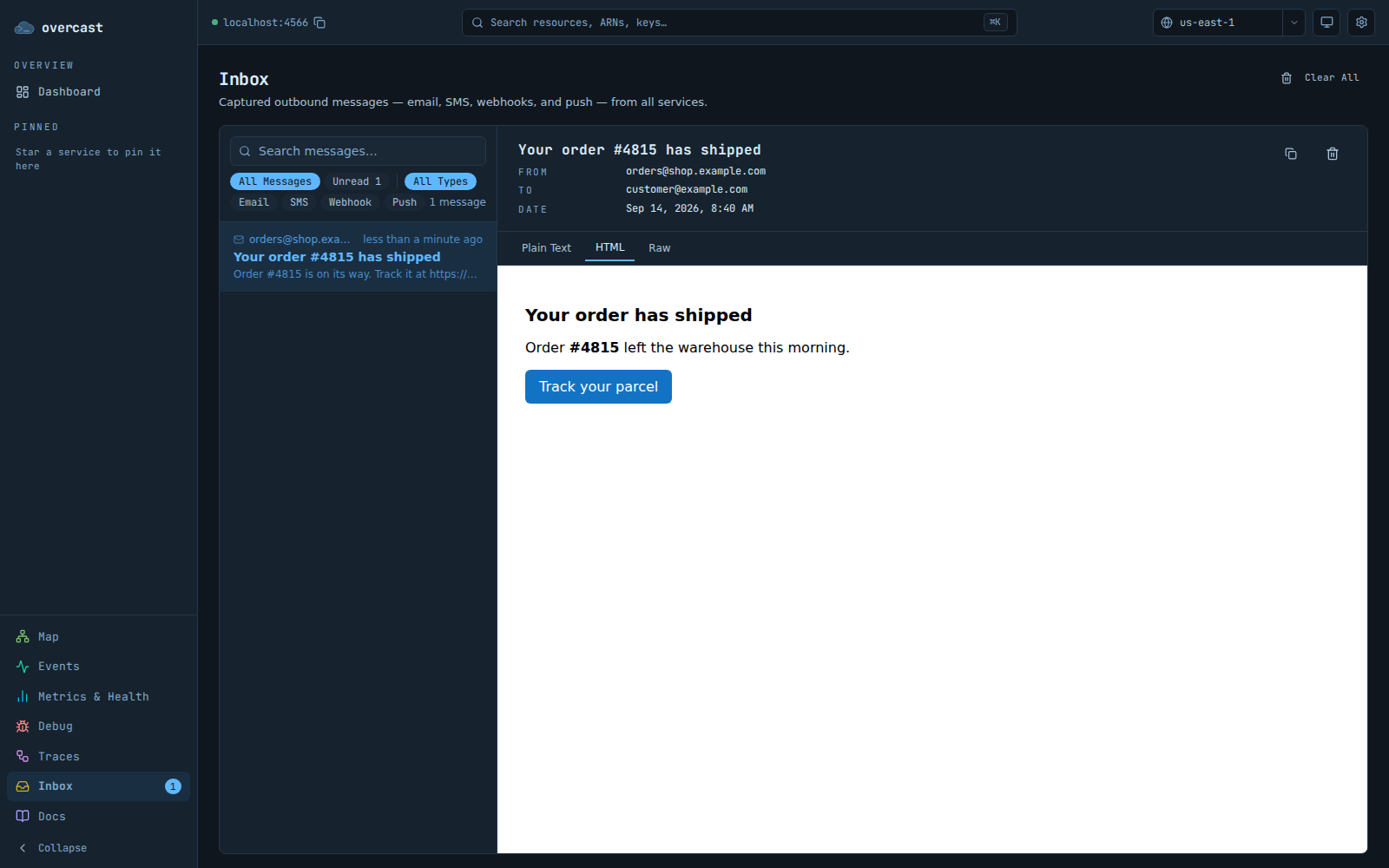
The Overcast console inbox: a list of captured messages on the left, one message open on the right with its HTML body rendered. The Overcast console inbox: a list of captured messages on the left, one message open on the right with its HTML body rendered.

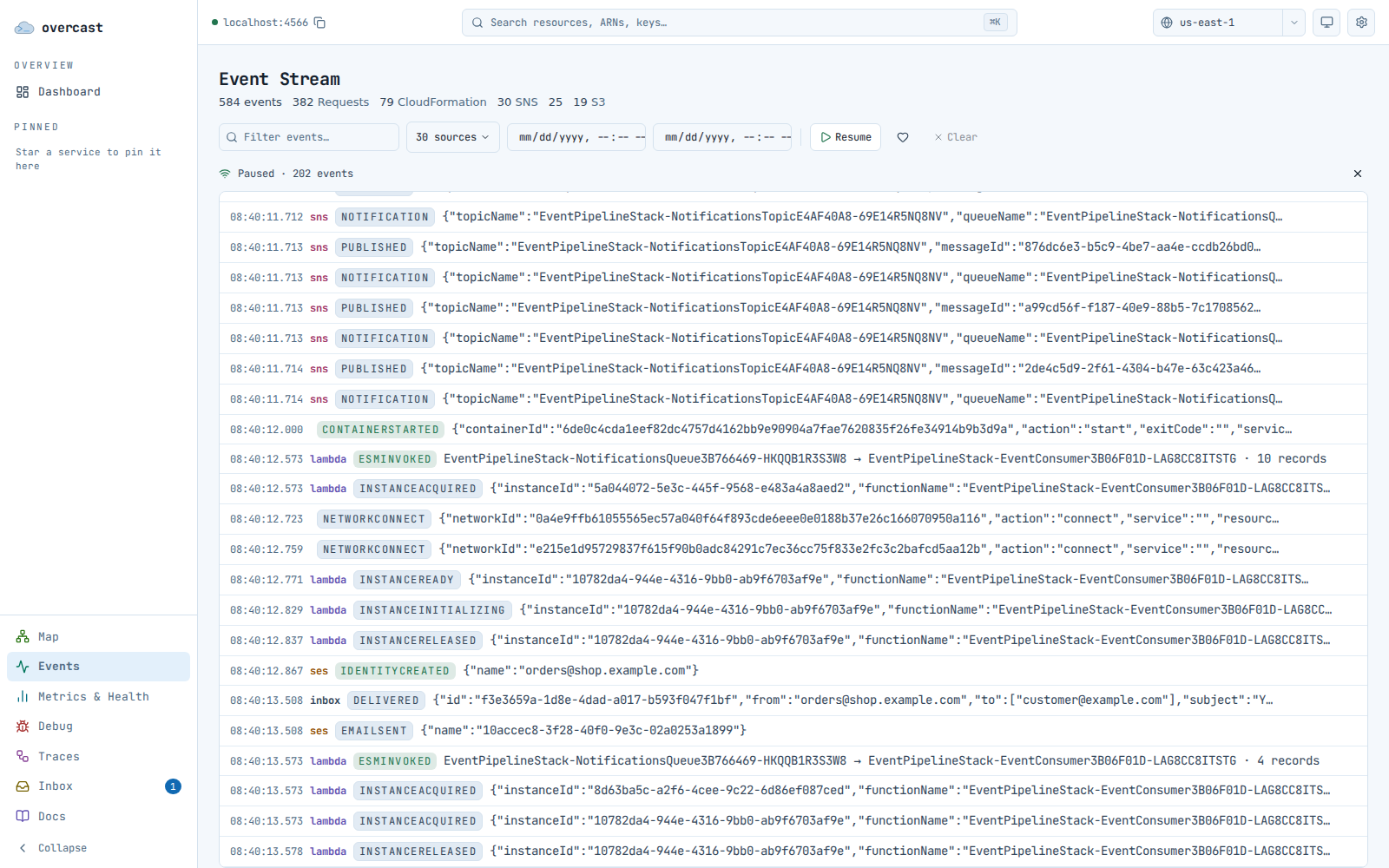
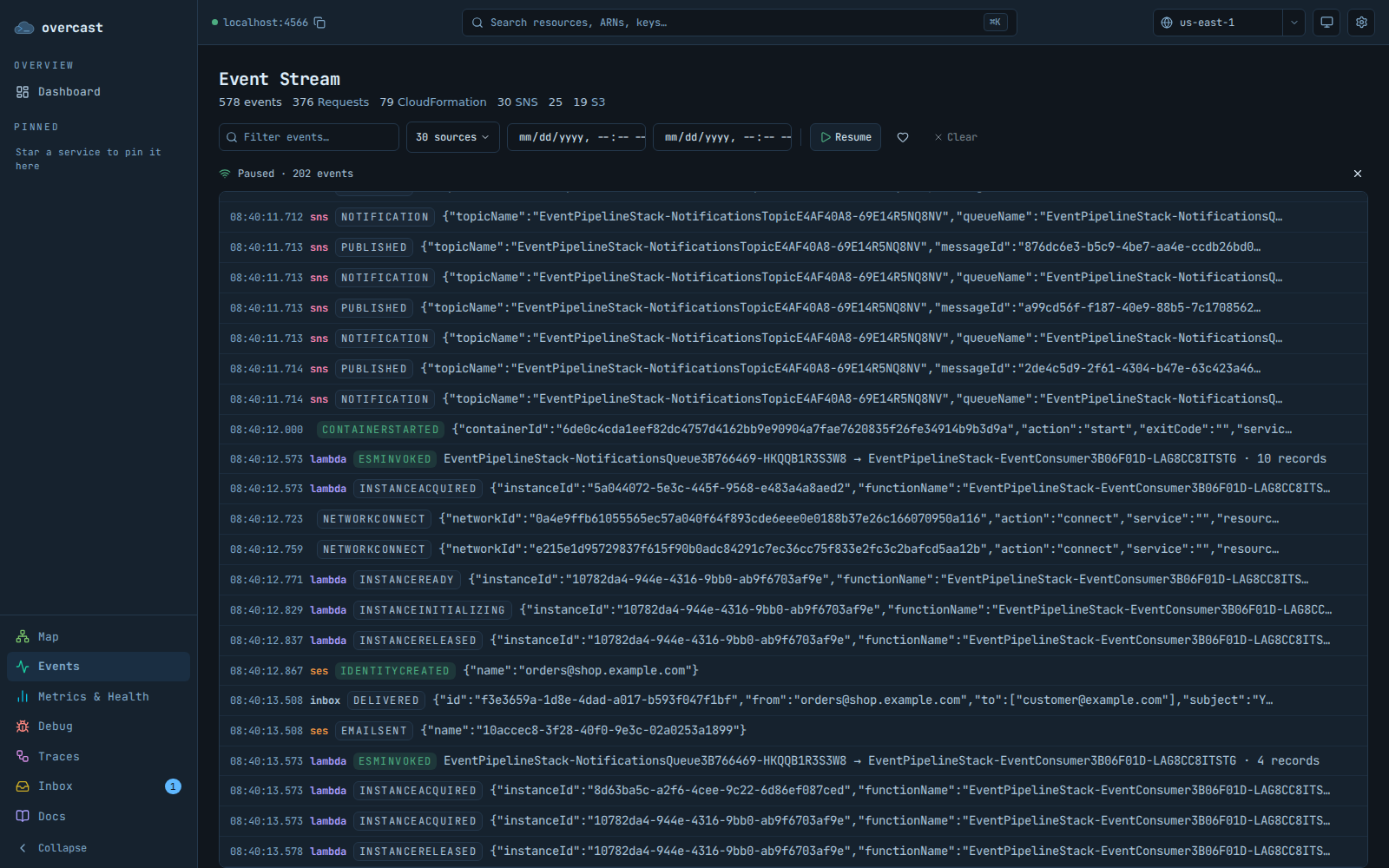
Event stream

Something fired and you don't know what set it off.

/events is a live feed of every API call the emulator handles and every effect it causes, filterable by source, text, and time. Paste a request id in and it narrows to that one call plus everything downstream of it.

  • Pause the stream, then scroll back through what happened during a test run
  • Payloads are highlighted inline; ARNs are links to the resource they name
The Overcast console event stream: a dense monospace feed of emulator events with colour-coded type badges and a filter bar. The Overcast console event stream: a dense monospace feed of emulator events with colour-coded type badges and a filter bar.

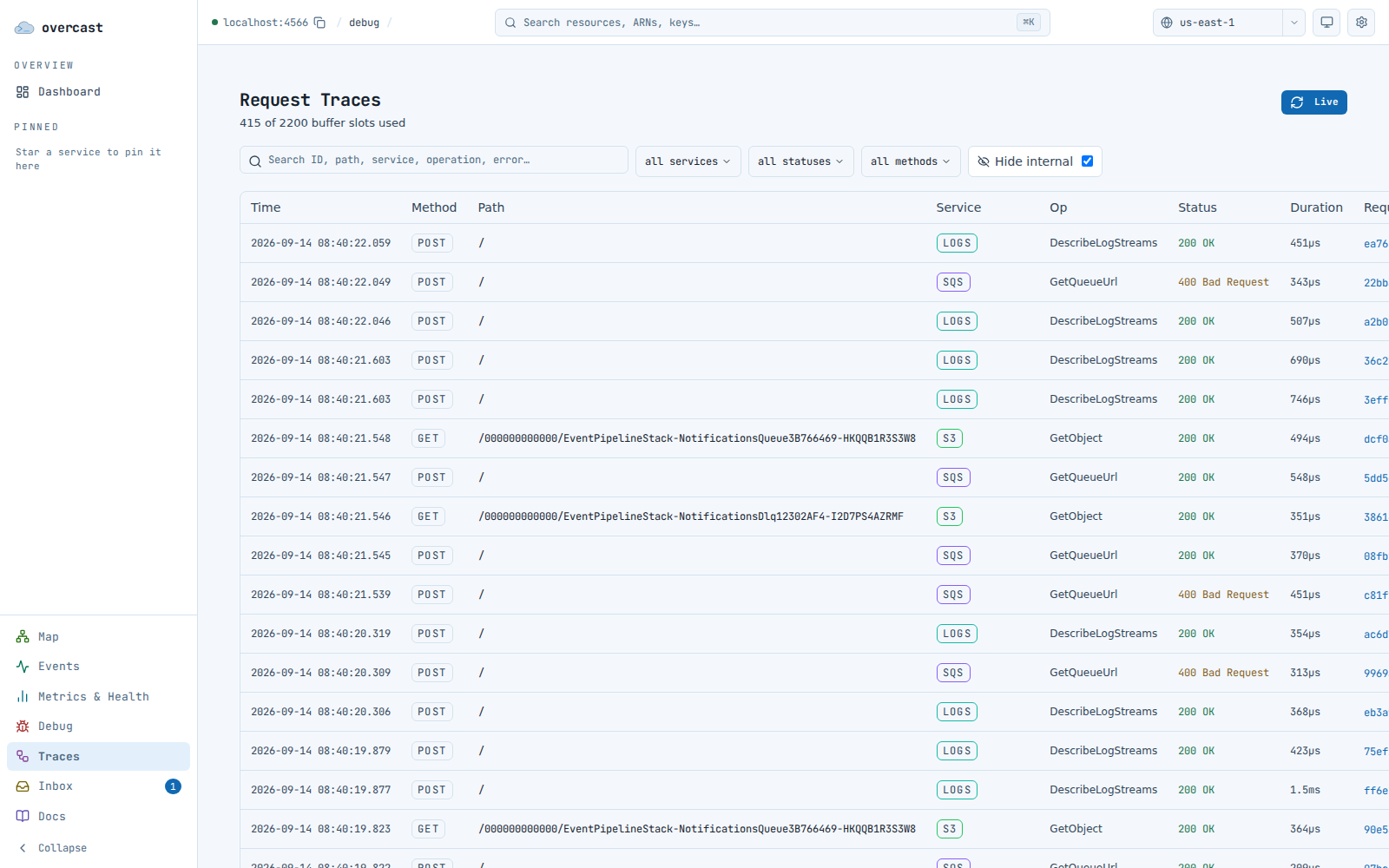
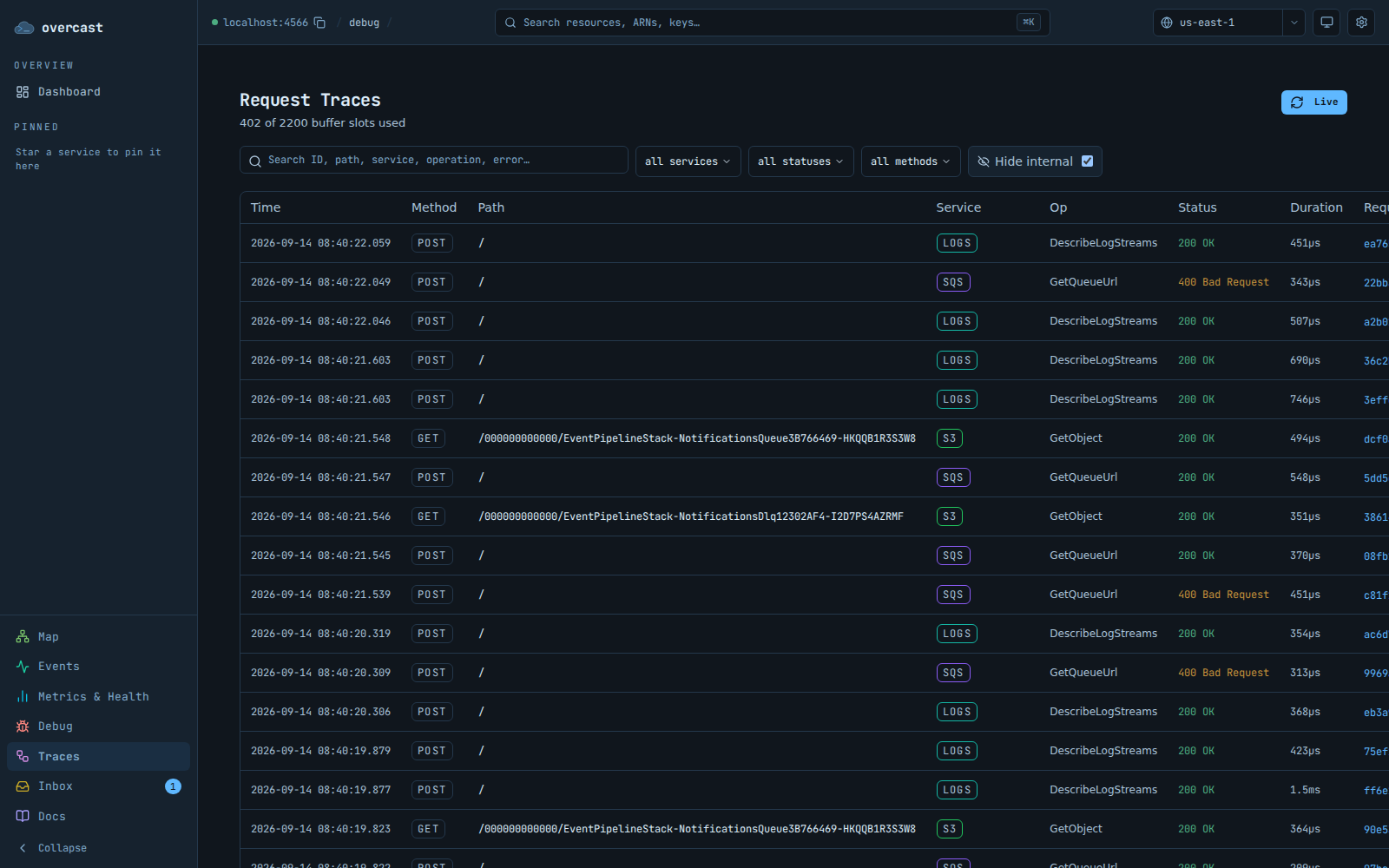
Request traces

One PutObject became a notification, a queue message, and a Lambda invocation.

Request tracing records that as one trace and draws it as a sequence diagram, waterfall, or flow map, with the request and response bodies at every hop. Every row has a copy-as-curl button.

  • Search request and response bodies as well as paths
  • Failed requests are kept past the normal retention window
  • Needs OVERCAST_DEBUG=true; without it the page says so rather than showing nothing
The Overcast console request traces table: one row per AWS API request with method, path, service, status, duration, and a copy-as-curl button. The Overcast console request traces table: one row per AWS API request with method, path, service, status, duration, and a copy-as-curl button.

System map

The wiring you think you deployed, drawn from what the emulator actually has.

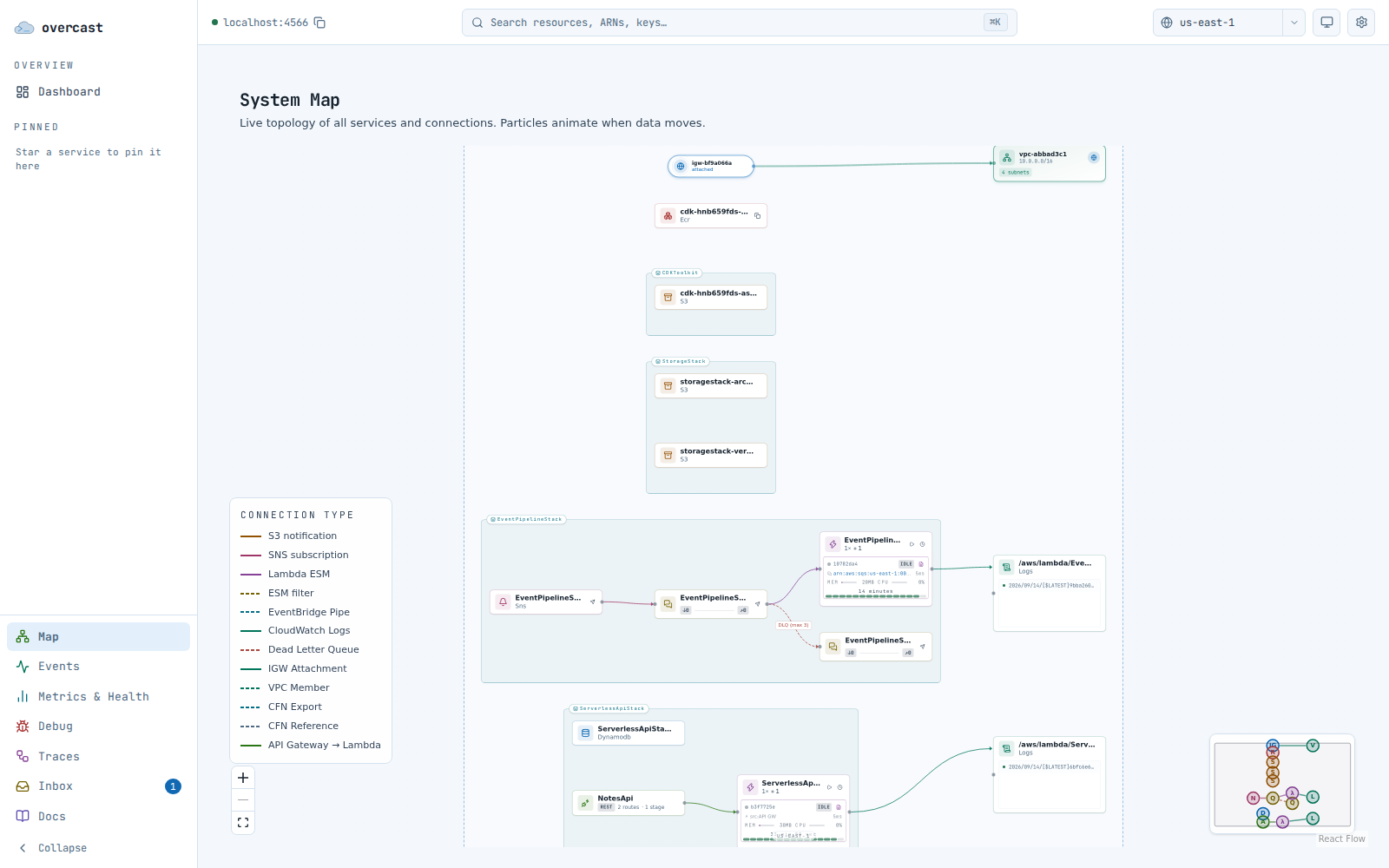
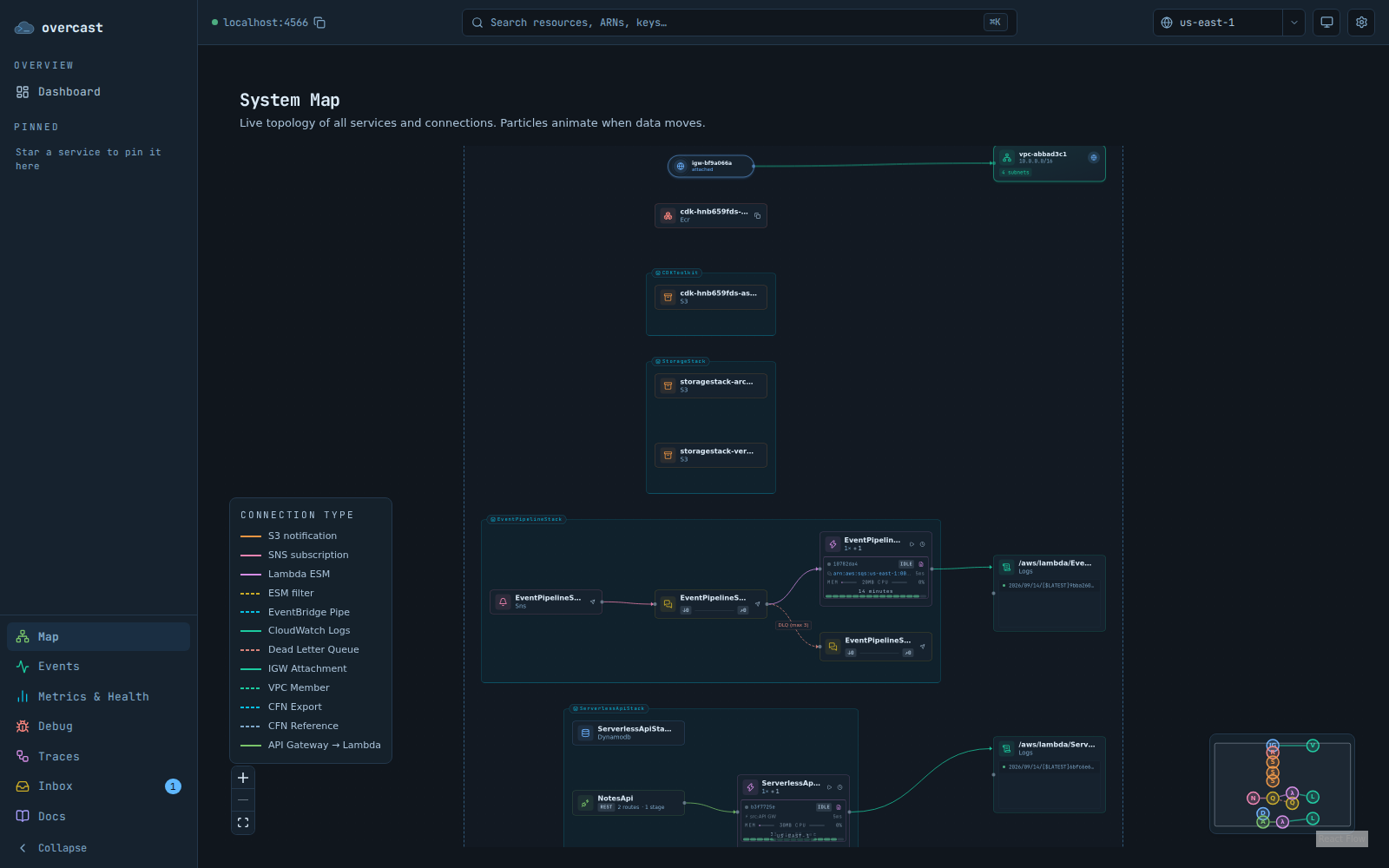
Buckets, queues, tables, and functions grouped by region, CloudFormation stack, and VPC, with an edge for every real notification, subscription, and event source mapping. Edges light up and particles travel along them when data moves.

  • Lambda nodes list their live instances with the idle countdown running
  • Click an instance for its logs and the event that triggered it
  • Send an SQS message, publish to a topic, or invoke a function from the node itself
The Overcast console system map: a topology diagram of emulated AWS resources grouped into stacks, with connections drawn between them. The Overcast console system map: a topology diagram of emulated AWS resources grouped into stacks, with connections drawn between them.

Resource browsers

Check what your code wrote without an aws s3 cp round trip.

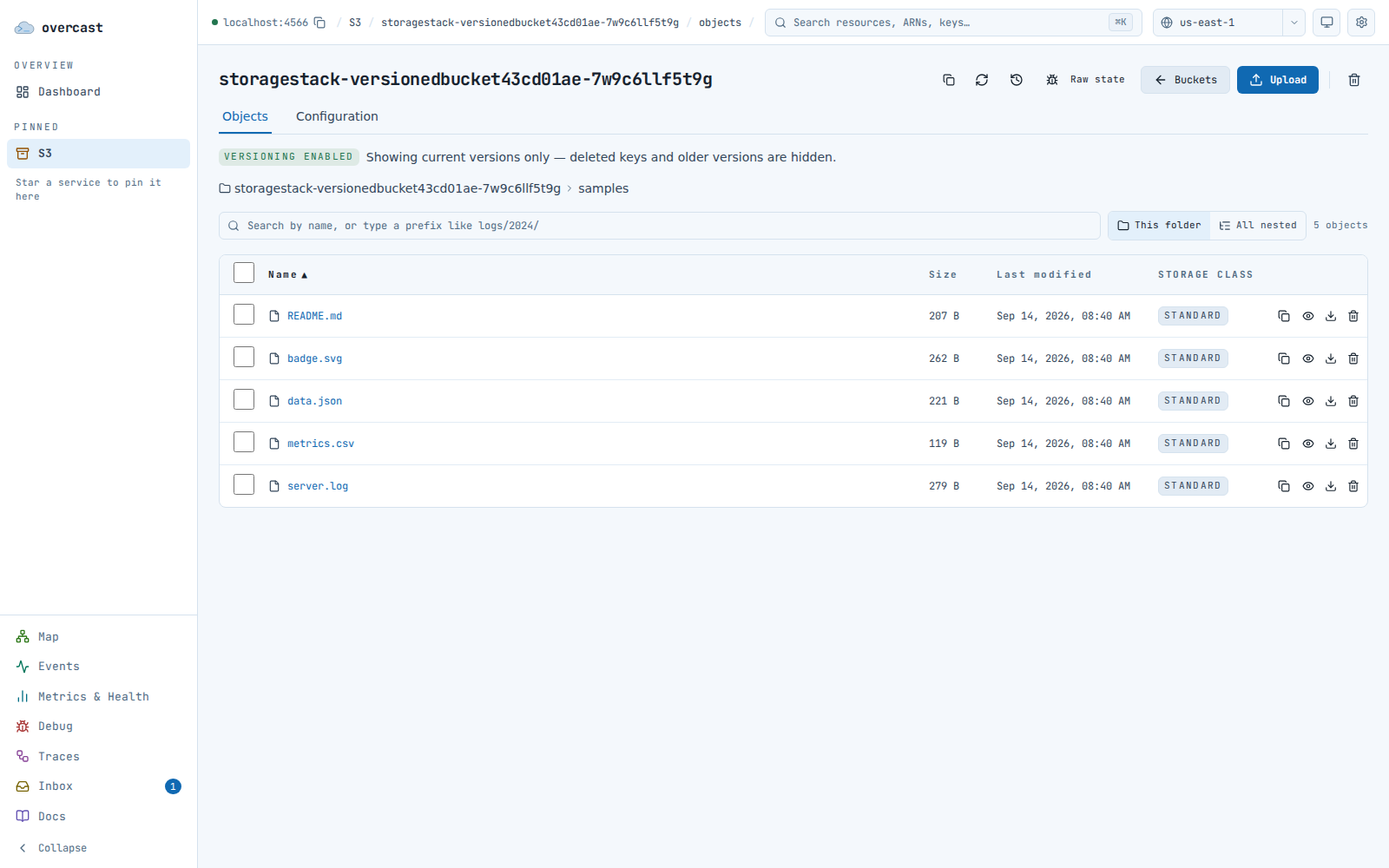
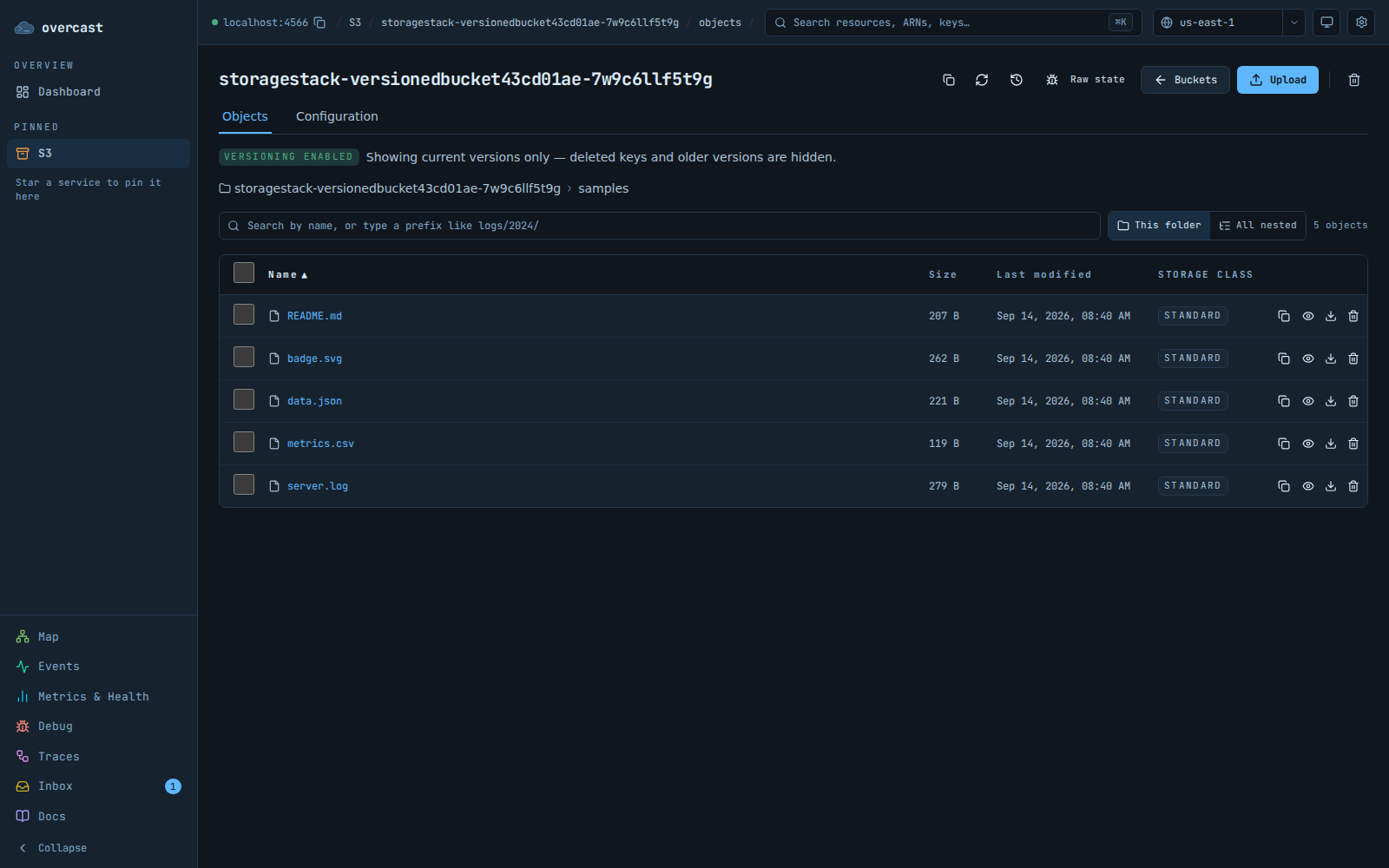
Each service gets its own browser. In S3: prefix navigation, drag-and-drop upload with a storage class, multi-object zip download, a revision tab on versioned objects, and a preview that renders images and highlights JSON, YAML, CSV, and logs.

  • Bucket notifications and lifecycle rules are edited as forms
  • Copy any key as an s3:// URI or a path-style URL, version pinned if you picked one
The Overcast console S3 object browser: a table of objects in a bucket with size, storage class, and last-modified columns. The Overcast console S3 object browser: a table of objects in a bucket with size, storage class, and last-modified columns.

Metrics and health

When the emulator itself is the thing behaving oddly.

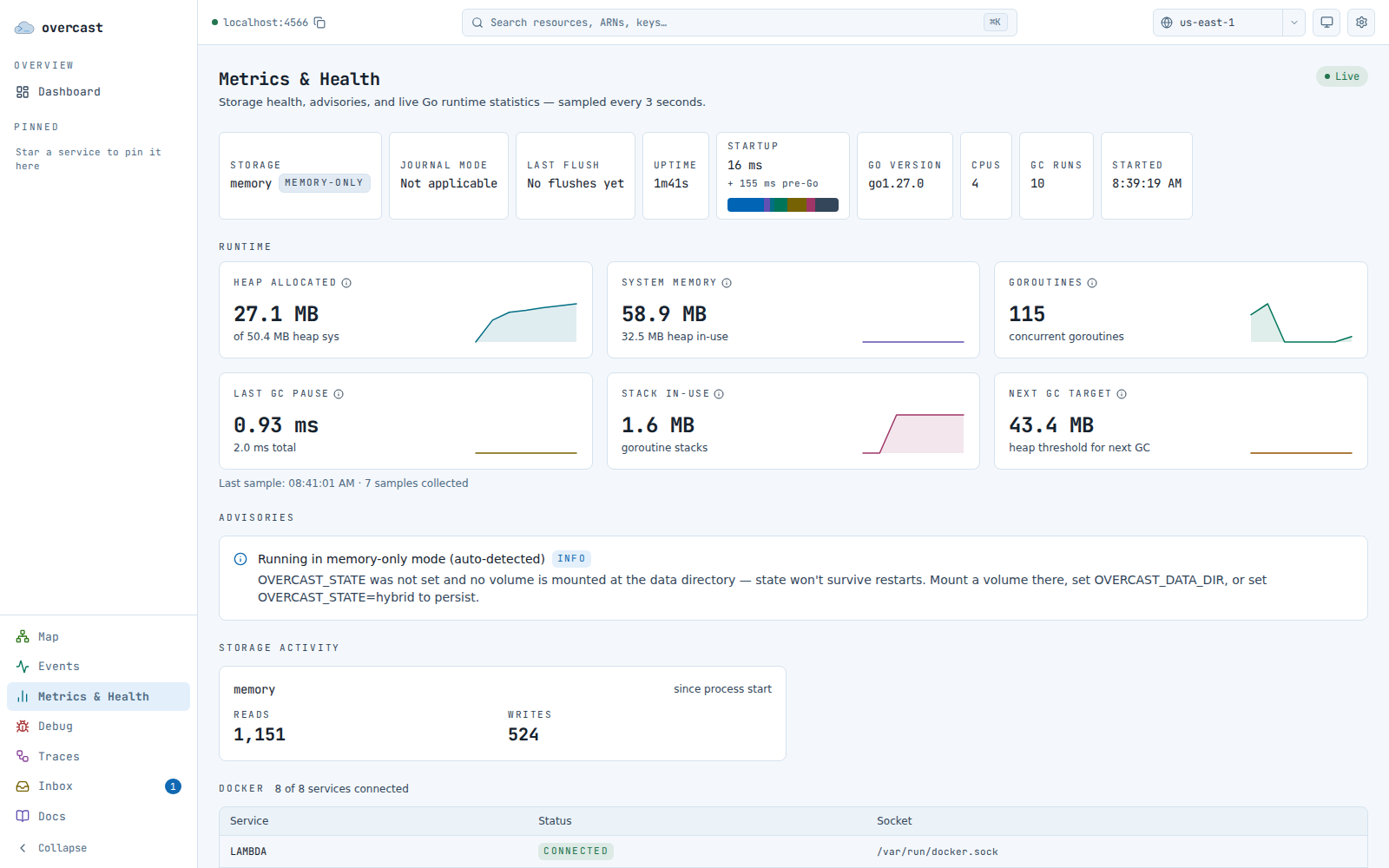
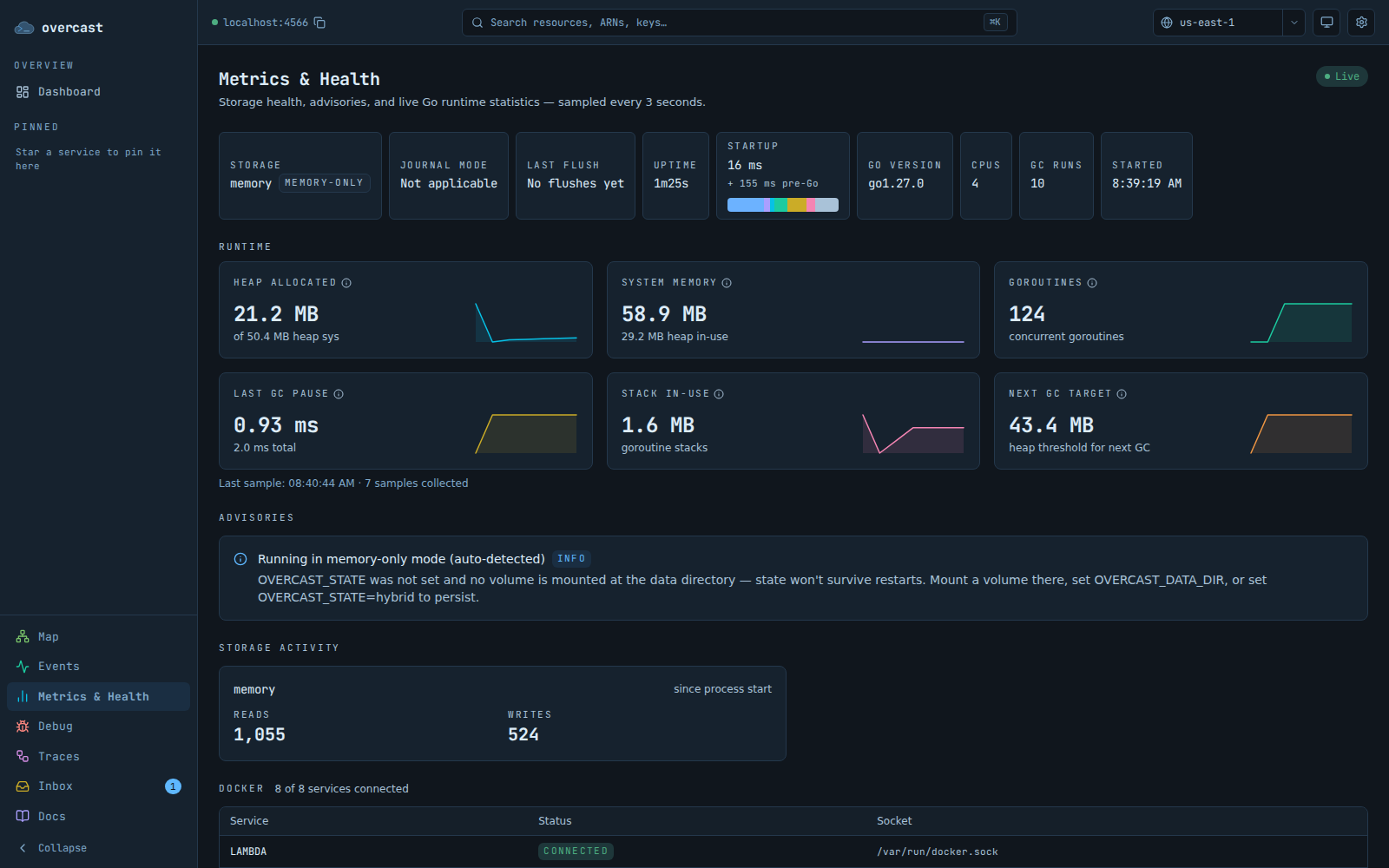
Storage mode and journal state, uptime, a breakdown of where startup time went, Go runtime sparklines sampled every three seconds, and Docker connectivity. Advisories say what to do when something needs attention, and collapse to one line when nothing does.

The Overcast console metrics page: health pills for storage and uptime above a grid of runtime sparkline cards. The Overcast console metrics page: health pills for storage and uptime above a grid of runtime sparkline cards.

also in there

Smaller things, easy to miss.

Global search

Cmd-K from anywhere. Paste an ARN, a bucket name, a queue URL, or a phrase from an email your app sent.

Docs, in the console

The same per-service reference as this site, matched to the binary you are running.

IAM policy simulator

Evaluate actions against a real user or role and see the decision and the statement that produced it. It also says whether enforcement is on, since it is off by default.

DynamoDB item editor

Query or scan any index with a filter builder, then edit items as a typed form or as JSON — marshalled or plain.

SQS message inspector

Read message bodies without consuming them, send a test message, follow a dead-letter queue back to its source, or purge.

Live log tail

Follow a stream as it writes, search a whole log group with matches highlighted, jump to a timestamp, and export what you loaded.

Edit, deploy, invoke

Browse and edit a function's source in place, deploy it, invoke it with a canned event template, and read the logs it produced.

Stack diagnostics

When a stack fails, each piece of evidence is labelled as from the AWS API, captured by Overcast, or Overcast's own reading of it.

Target delivery outcomes

Every rule target shows its latest outcome — delivered, retried, dead-lettered, or dropped — so a rule that matched but never arrived is visible.

Raw state browser

With OVERCAST_DEBUG on, read the emulator's actual stored state by namespace and key, for when the API says a resource exists and your consumer disagrees.

Wrong-region notice

An empty list says "no stacks in us-east-1 — there are 3 in ap-southeast-2" instead of leaving you to hunt for a deploy that went somewhere else.

Light and dark

Light, dark, or follow the system. Service colours are chosen separately for each theme, so a service stays recognisable in both.

running it

One process, no second server.

The same binary serves the console and the API, and port 4566 does not depend on it. Set --ui-port or OVERCAST_UI_PORT to move the console, or 0 to switch it off.

Full image

ghcr.io/overcast-sh/overcast — API on 4566, console on 4567.

4566 api 4567 console

Slim image

ghcr.io/overcast-sh/overcast-slim and the overcastd binary leave the console out for a smaller headless footprint in CI.

4566 api only

If the console feels sluggish

Many concurrent Lambdas or transfers can exhaust the browser's six-connection HTTP/1.1 limit, because the live feed and progress streams hold sockets open. Serving the console over HTTPS switches it to HTTP/2, which lifts that limit: see HTTPS and HTTP/2.

Get the full image

Docker images and native binaries, with the checksums.